Sitting is sneaky. You settle in to answer a few emails, and three hours later your shoulders have crept toward your ears, your hips feel welded shut, and your lower back is filing complaints. The human body simply was not designed to hold one folded position for hours at a time. The good news is that you do not need a gym break or even a change of clothes to push back — a handful of desk-friendly stretches, done in the small cracks of the workday, can keep tension from piling up in the first place. All of the ideas below can be done at or beside a desk in regular clothes, in about a minute each. Move gently, skip anything that hurts, and if you have ongoing back, neck, or joint issues, run your routine past a doctor or physical therapist first.
Start With the Neck and Jaw
Screen work quietly loads the neck: the head drifts forward, the muscles along the top of the shoulders grip, and by afternoon a dull ache sets in. Counter it with slow, deliberate movement. Sit tall, drop your right ear toward your right shoulder, and rest there for three or four breaths — you can deepen the stretch slightly by letting the opposite hand reach toward the floor. Repeat on the left.
Next, tuck your chin gently as if making a double chin, feeling the back of the neck lengthen; this counters the forward-head posture screens encourage. Finish with a jaw check: many of us clench while concentrating, so let the teeth part, soften the tongue, and take one slow breath. Doing this little sequence two or three times a day keeps the neck from banking tension that would otherwise follow you home.
Free Up Shoulders and Chest
Hours of reaching for a keyboard round the shoulders forward and tighten the chest. The antidote is opening the front of the body. Try the doorway stretch on your next trip for water: place a forearm against a doorframe at shoulder height and turn your body gently away until you feel a stretch across the chest. Hold for a few breaths, then switch arms.
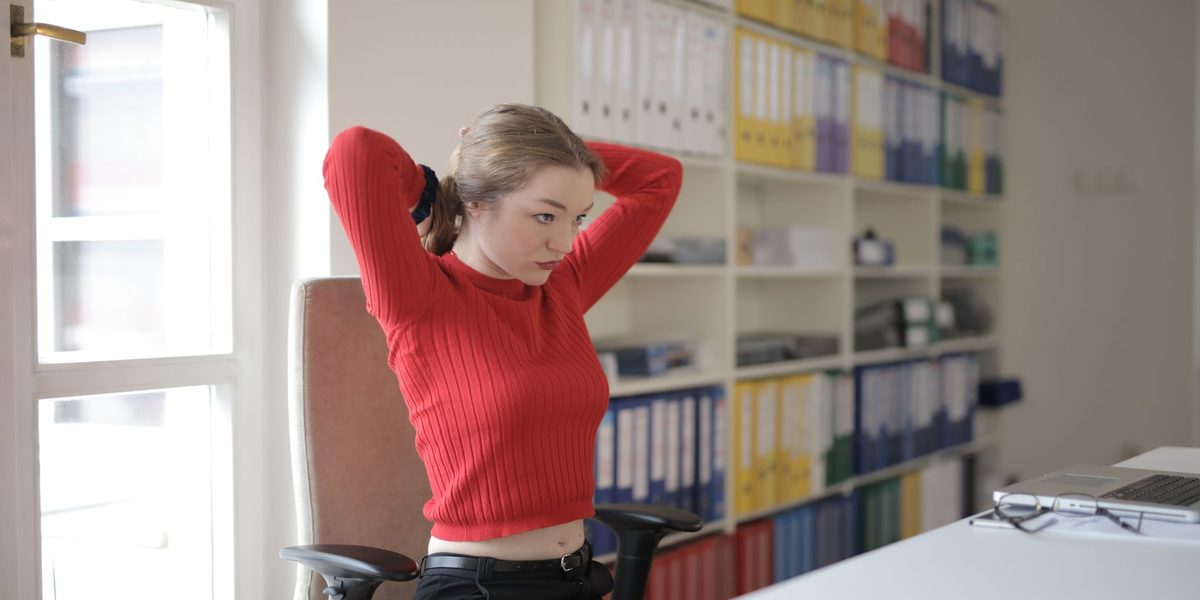
At your desk, clasp your hands behind your back, straighten the arms as much as comfortable, and lift your chest. If clasping is difficult, hold each end of a scarf or lanyard. Add big, slow shoulder rolls — up, back, and down — exaggerating each phase, and finish by squeezing your shoulder blades together as if pinching a pencil between them for five seconds. These moves take under a minute and directly reverse the exact posture that typing creates.
Give Your Spine a Gentle Twist and Reach
Your spine loves variety, and sitting offers none. Sprinkle in these seated moves between tasks:
- Seated twist — sit tall, place your right hand on the outside of your left knee, and rotate gently to the left, letting your gaze follow; hold a few breaths and switch sides.
- Tall reach — interlace your fingers, turn the palms toward the ceiling, and stretch upward while taking a deep breath.
- Side bend — with one hand anchored on the chair, reach the other arm up and over, opening the side of your ribs.
- Seated cat-cow — hands on knees, alternate between rounding your back and arching it with a lifted chest, following your breath.
- Chair fold — push back from the desk and fold your chest toward your thighs, letting arms and head hang for a few breaths (skip this one if it makes you lightheaded).
One or two of these each hour keeps the spine moving through its natural directions — twisting, bending, arching — instead of holding a single slump.
Unlock Tight Hips and Legs
Hips are the biggest losers in a sedentary day, because sitting keeps them flexed for hours. When you stand up for a break, take thirty extra seconds for a standing hip flexor stretch: step one foot back into a short lunge, tuck your tailbone slightly, and press the hip of the back leg gently forward until you feel a stretch along the front of that hip. Hold, breathe, switch.
Back at your chair, try the seated figure-four: rest your right ankle on your left knee and hinge slightly forward until the outer right hip stretches, then swap sides. For the backs of the legs, prop one heel on a low drawer or footrest, keep the leg straight, and hinge forward gently to stretch the hamstring. Finish with ankle circles in both directions — feet and calves appreciate attention too, especially if you notice them feeling puffy after long sitting spells.
Rescue Your Wrists, Hands, and Eyes
Typing and mousing concentrate strain in small structures that rarely get a break. Every hour or so, extend one arm with the palm facing away and use the other hand to gently draw the fingers back, stretching the underside of the forearm; then flip the hand downward to stretch the top. Spread your fingers wide like a starfish, hold, then make loose fists and circle the wrists a few times.
Your eyes deserve the same courtesy. Focusing at a fixed, close distance for hours tires them, so periodically look away from the screen at the farthest thing you can see — out a window if possible — for several slow breaths. Blink deliberately a few times, since screen concentration suppresses blinking. If wrist pain, tingling, or persistent eye strain keeps recurring despite regular breaks, mention it to a healthcare professional rather than pushing through; small problems in these areas are much easier to address early.
Weave Stretches Into the Workday
Knowing the stretches is easy; remembering them is the real challenge. Anchor them to events that already punctuate your day. Stretch your chest every time you return from the printer or the kettle. Do a seated twist after sending each report. Roll your shoulders whenever a meeting ends. Calendar-based cues work too: a quiet reminder at mid-morning and mid-afternoon that says simply stand and stretch.
Better yet, pair stretching with standing tasks you already do. Take phone calls on your feet and do calf raises while you talk. Read long documents standing with the screen raised. If you work from home, use the boundaries between tasks — a finished call, a submitted form — as your cue to stand, reach tall, and reset. A workday with eight one-minute stretch breaks contains more mobility than most people's entire evening, and it costs nothing but attention.
Set Up Your Desk to Help, Not Hurt
Stretching works best alongside a workspace that is not actively working against you. A few quick checks: your screen top should sit at about eye level so your head stays balanced over your shoulders; your feet should rest flat on the floor or a footrest; your keyboard and mouse should be close enough that your elbows stay near your sides. Small adjustments — a stack of books under a monitor, a cushion behind the lower back — often relieve more tension than any single stretch.
Variety remains the deepest principle. Even a perfect posture becomes uncomfortable if held all day, so shift positions often, alternate sitting and standing if you can, and treat every small errand as a chance to move. The best posture, as the saying goes, is your next one.
Final Thoughts
You do not need to escape your desk to take care of your body during the workday — you just need to interrupt the stillness, kindly and often. Choose three or four stretches from this list, tie them to moments that already happen every day, and let the routine build itself. Within a couple of weeks, you may notice the afternoon aches arriving later, softer, or not at all — proof that many small resets beat one big recovery every time.